Oversee and plan your team's days off with the Absence calendar
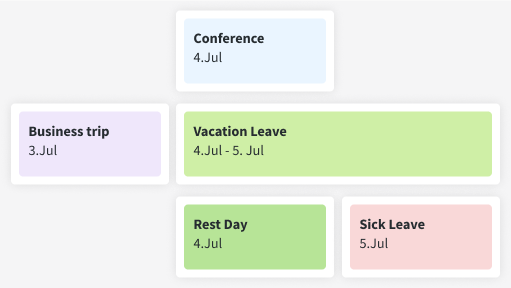
Stay informed about your team members' comings and goings on any given day with the help of the Absence calendar.
How does the DeskTime Absence calendar work?
Choose the option you need, from business trips and vacations to unpaid leaves and sick days.
Not all absences take up the entire day – you can also indicate partial-day out-of-office hours.
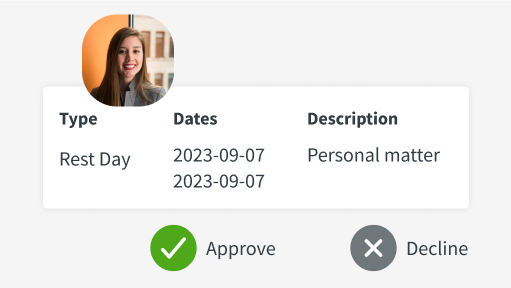
Your employees can submit their requests for days off, and admins can approve or deny them.
Let the Absence calendar help you manage your team even better
The Absence calendar provides you with an immediate and clear picture of who's away from work and why, letting you plan ahead in time.
Leave these issues in the rearview mirror with the Absence calendar
Don’t take our word for it
Want to hear from our users? Discover their reviews on G2.
Start tracking time with our 14-day free trial
Sign up
Create your DeskTime accountDownload the app
Only the desktop app offers all the featuresStart tracking time
And invite your teammates to joinExplore more features
Frequently asked questions about the Absence calendar
Try free for 14 days. No credit card required.
Forget manual entries and distractions. With DeskTime, time tracking runs on autopilot—zero effort needed.