See what your team's working on with document title tracking
Use document title tracking to see what files your team is spending time on and keep up with project progress effortlessly.
How does document title tracking with DeskTime work?
You need to install the DeskTime desktop app to track document titles.
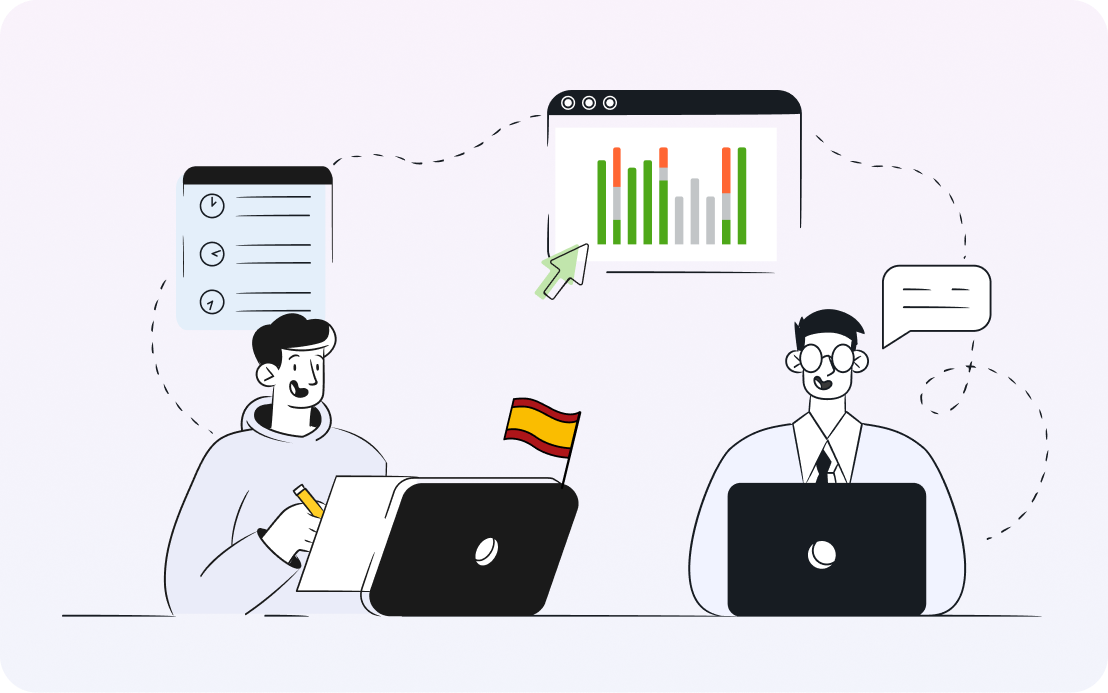
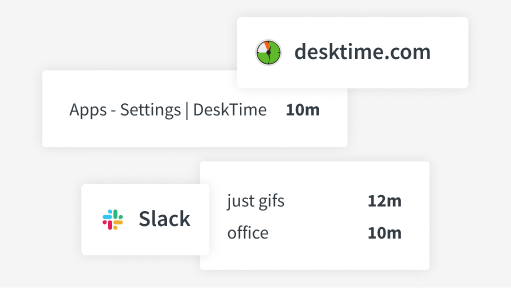
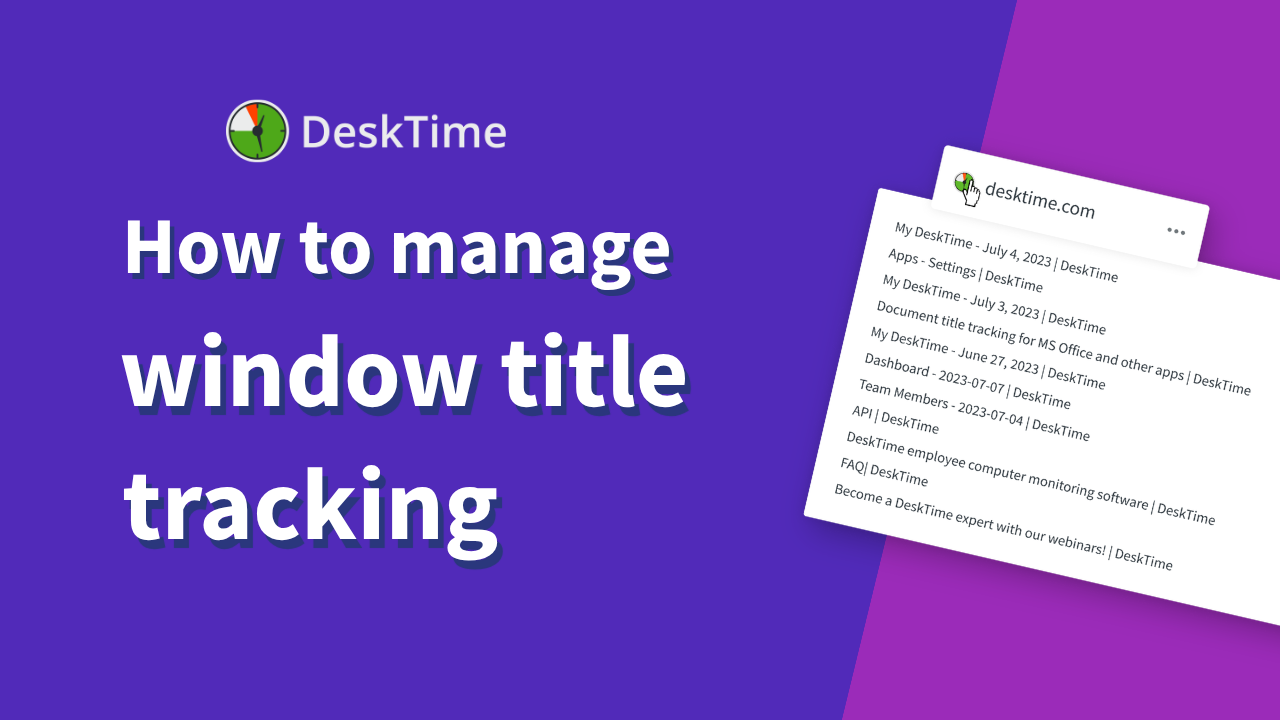
Document titles, email subject lines, Slack channel names, etc., are logged along the time spent there.
DeskTime cannot see the content of the files – only their names, so sensitive info is protected.
Gain peace of mind about work progress with document title tracking
By tracking document titles, you can easily follow how projects are proceeding and ensure that everyone stays focused on the right priorities.
Let these concerns disappear out of sight and out of mind
Don’t take our word for it
Want to hear from our users? Discover their reviews on G2.
Start tracking time with our 14-day free trial
Sign up
Create your DeskTime accountDownload the app
Only the desktop app offers all the featuresStart tracking time
And invite your teammates to joinExplore more features
Frequently asked questions about document title tracking
Try free for 14 days. No credit card required.
Forget manual entries and distractions. With DeskTime, time tracking runs on autopilot—zero effort needed.