Make every second count with manual time tracking
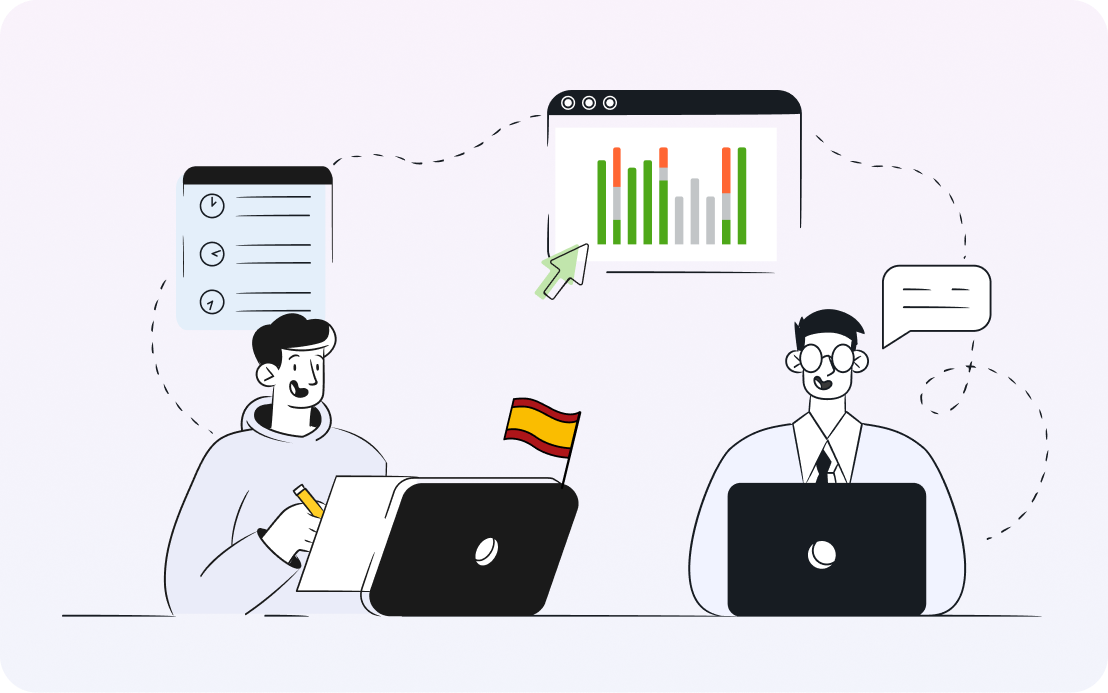
When work takes you away from the computer, track time on the go or fill in the gaps with various manual time tracking options.
TL;DR: In addition to the automatic time tracking of DeskTime, employees can manually add time logs to accurately reflect their work time away from the computer, such as in-person meetings. Manual time tracking can be done by starting a timer in DeskTime mobile app or website. In addition, DeskTime will show gaps on the timeline where no device activity was detected, allowing employees to easily convert them into time logs with descriptions.
How does manual time tracking with DeskTime work?
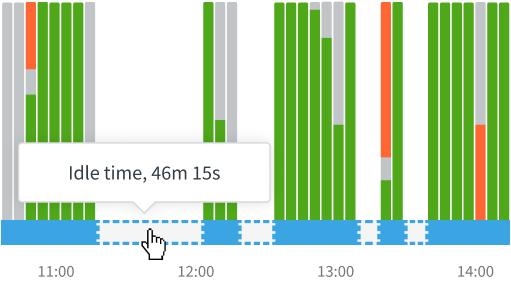
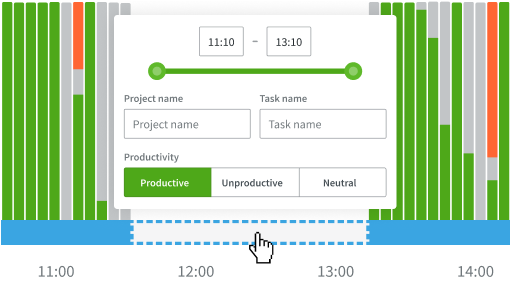
When work is done offline, fill in the empty slots in the productivity bar manually afterward.
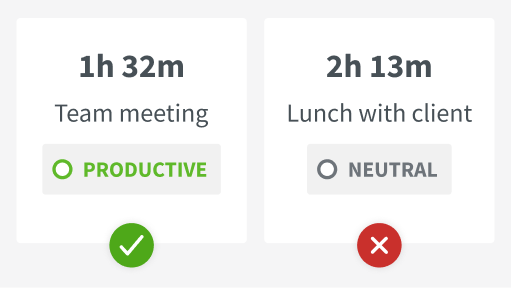
Offline times can be added automatically or require approval from administrators.
Instead of adding offline times later, track time from the mobile app or launch the web timer.
Make sure none of your team's hard work goes unnoticed
Manual time tracking works hand in hand with automatic tracking – when automatic tracking is impossible, manual options step in.
Manual time tracking lets you forget these worries
Manual time tracking options with DeskTime
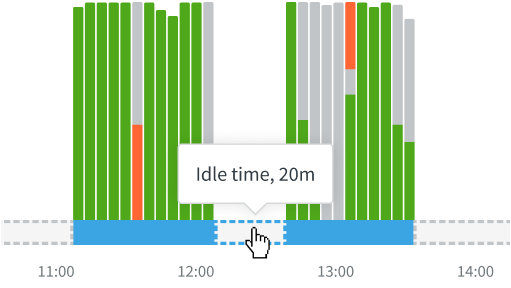
When the computer is shut down, or there's been no activity for 3 or more minutes, time tracking stops, and these gaps in the productivity bar show up as Idle time.
If idle time was spent working, it can be reassigned as offline time and added to the day's total hours – admins can require approval for these edits if necessary
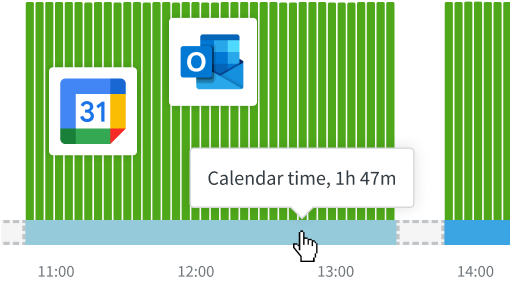
You can sync Google and Outlook Calendars with DeskTime to automatically fill in the Idle time gaps spent on work-related activities.
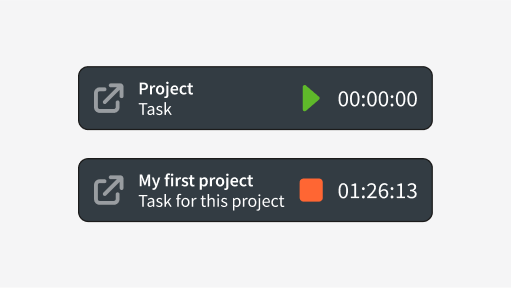
A simple start/stop timer that lets you indicate the project and task you were working on; use the web timer on any browser by logging into your DeskTime account.
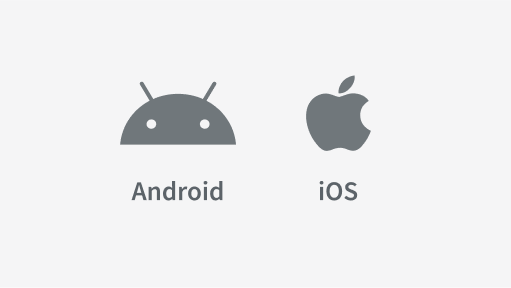
Track time on the go via the mobile app, which functions as a start/stop timer similar to the web timer; you can also add the project and/or task you're working on.
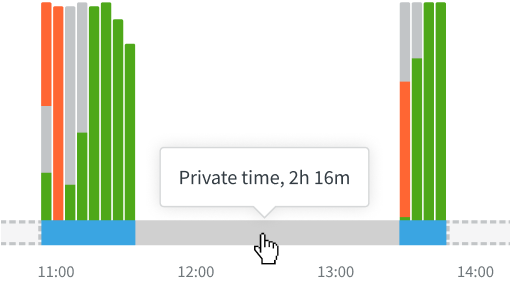
When Private time is turned on, the DeskTime app doesn't track any activities, and employees can take care of personal matters during work hours.
Don’t take our word for it
Want to hear from our users? Discover their reviews on G2.
How DeskTime works
With DeskTime, you can see your employees' arrival and departure times, analyze their productivity, schedule shifts, oversee absences, maintain a healthy work-life balance, keep track of specific projects, and more.
Highly rated and globally trusted
Explore more features
Frequently asked questions about Manual time tracking
Try free for 14 days. No credit card required.
Forget manual entries and distractions. With DeskTime, time tracking runs on autopilot—zero effort needed.