Use shift scheduling to organize your team's work
Assign shifts to your employees, see who's working in the office and remotely, and much more with the Shift scheduling feature.
How does shift scheduling work?
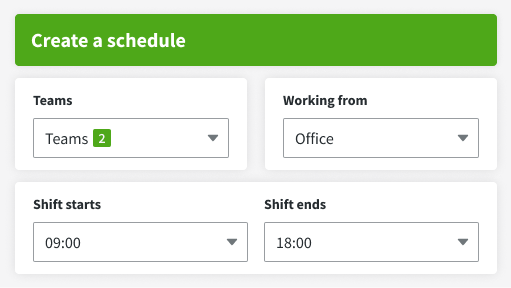
Let your employees know when they're supposed to work and how many hours.
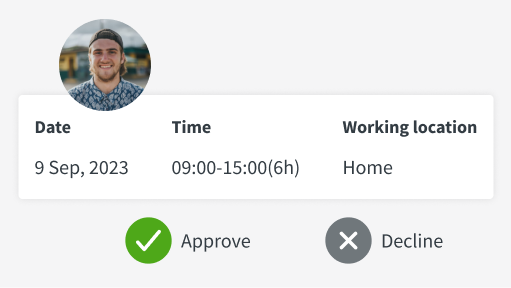
You can also let your team members request their preferred shift dates and times in the system.
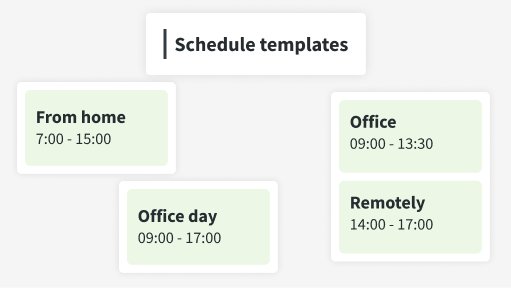
For quicker planning and scheduling, you can create templates for shifts that repeat regularly.
Here's how DeskTime's shift scheduling can benefit your workplace
The Shift scheduling feature can be an additional powerful tool in your arsenal that helps you improve the way you work.
Avoid these pitfalls by using the shift scheduling feature
Don’t take our word for it
Want to hear from our users? Discover their reviews on G2.
Start tracking time with our 14-day free trial
Sign up
Create your DeskTime accountDownload the app
Only the desktop app offers all the featuresStart tracking time
And invite your teammates to joinExplore more features
Frequently asked questions about shift scheduling
Try free for 14 days. No credit card required.
Forget manual entries and distractions. With DeskTime, time tracking runs on autopilot—zero effort needed.